Build your pull-up habit.
Log sets in seconds, set goals, and see your progress over time.


Free core features. No ads. No account. No subscription.
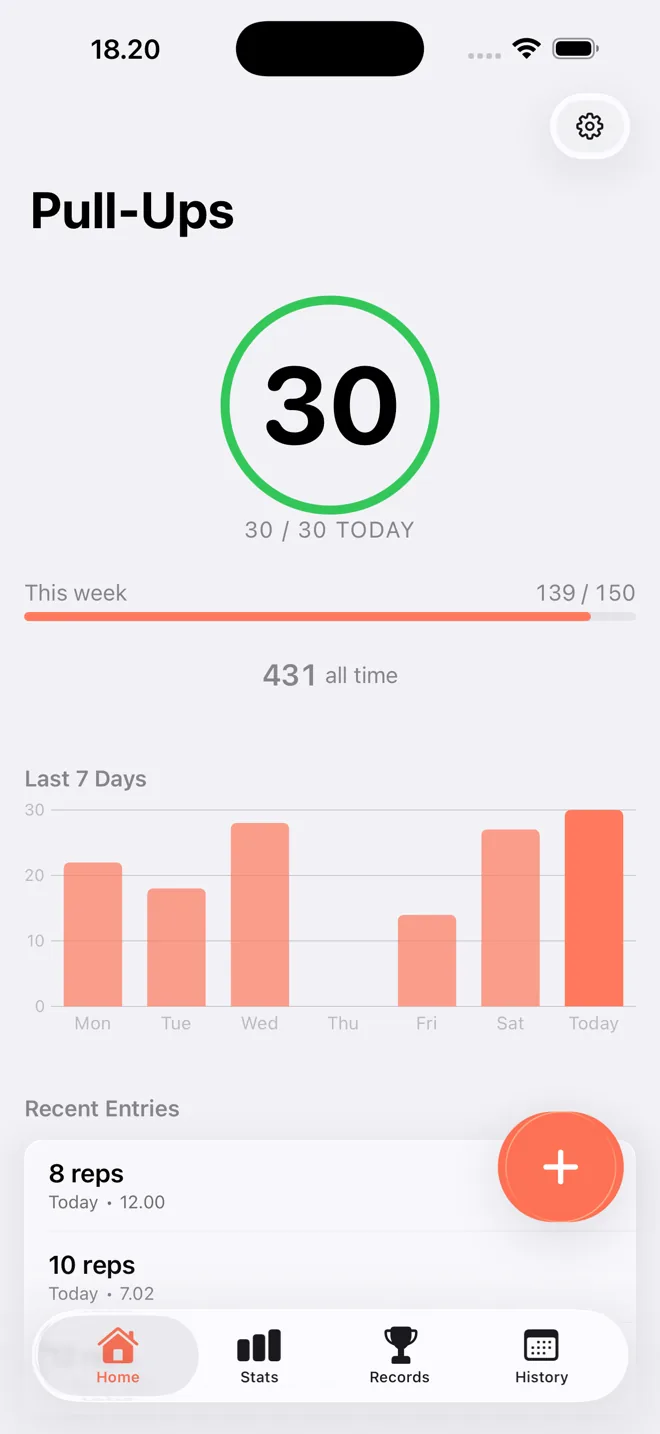
Log quickly
Save a set with your usual defaults, or add reps, weight, and notes. Pull-ups, chin-ups, or neutral grip; normal, weighted, or assisted: track your way.
Stay consistent
Set daily and weekly goals. Build a streak with a one-day grace period, so one rest day won’t break it.
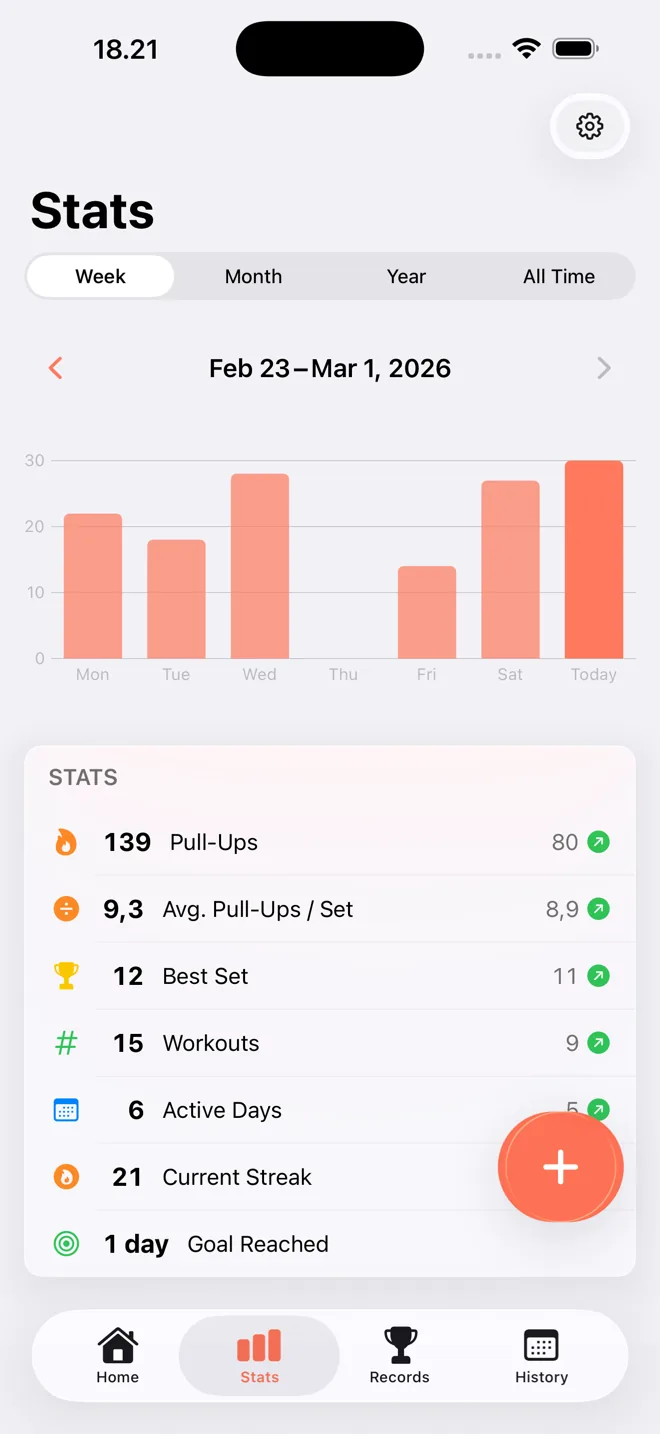
See improvement
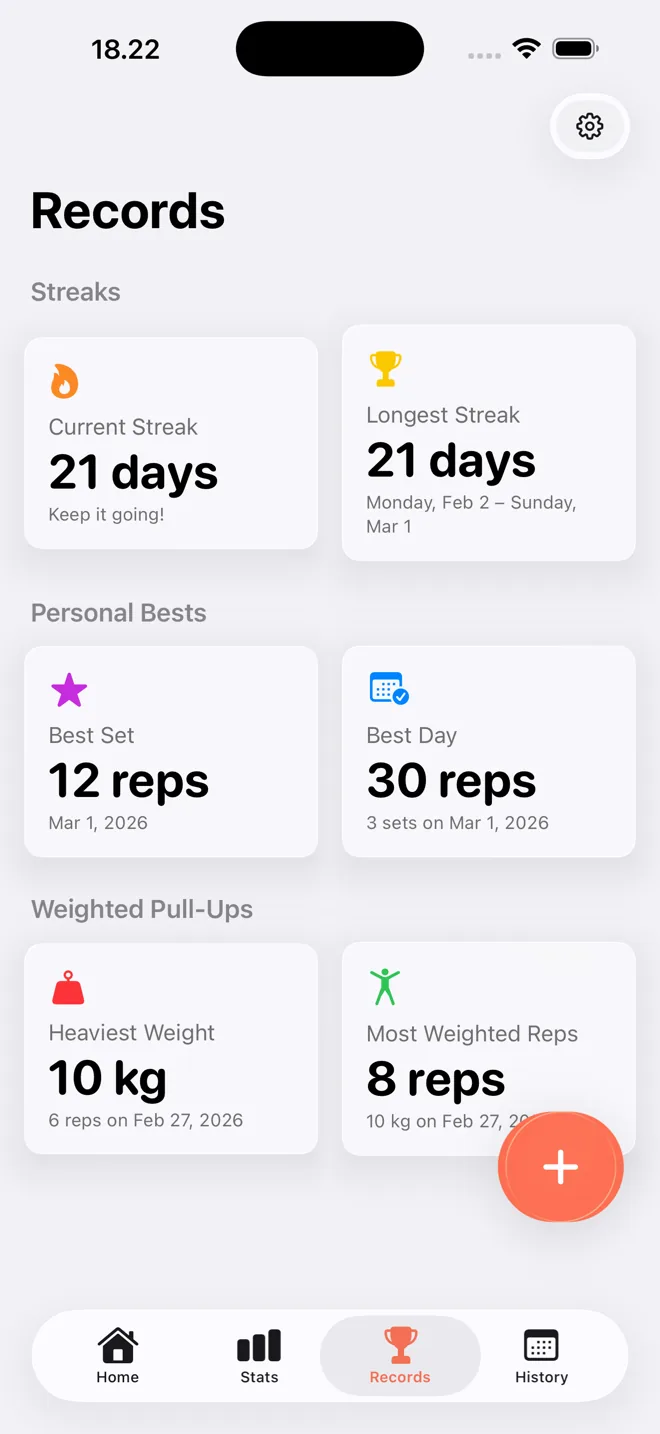
Follow your progress from week to year. Celebrate personal bests, with separate records for each grip and for weighted sets.
More ways to stay on track
-
Widgets iPhone
Today’s total and goal ring on your Home Screen and Lock Screen.
-
Siri & Shortcuts iPhone
Say “Log pull-ups in Pull-Ups” or “Log chin-ups in Pull-Ups” and Siri asks how many reps.
-
Streak reminder
An evening nudge, only when your streak is about to break.
-
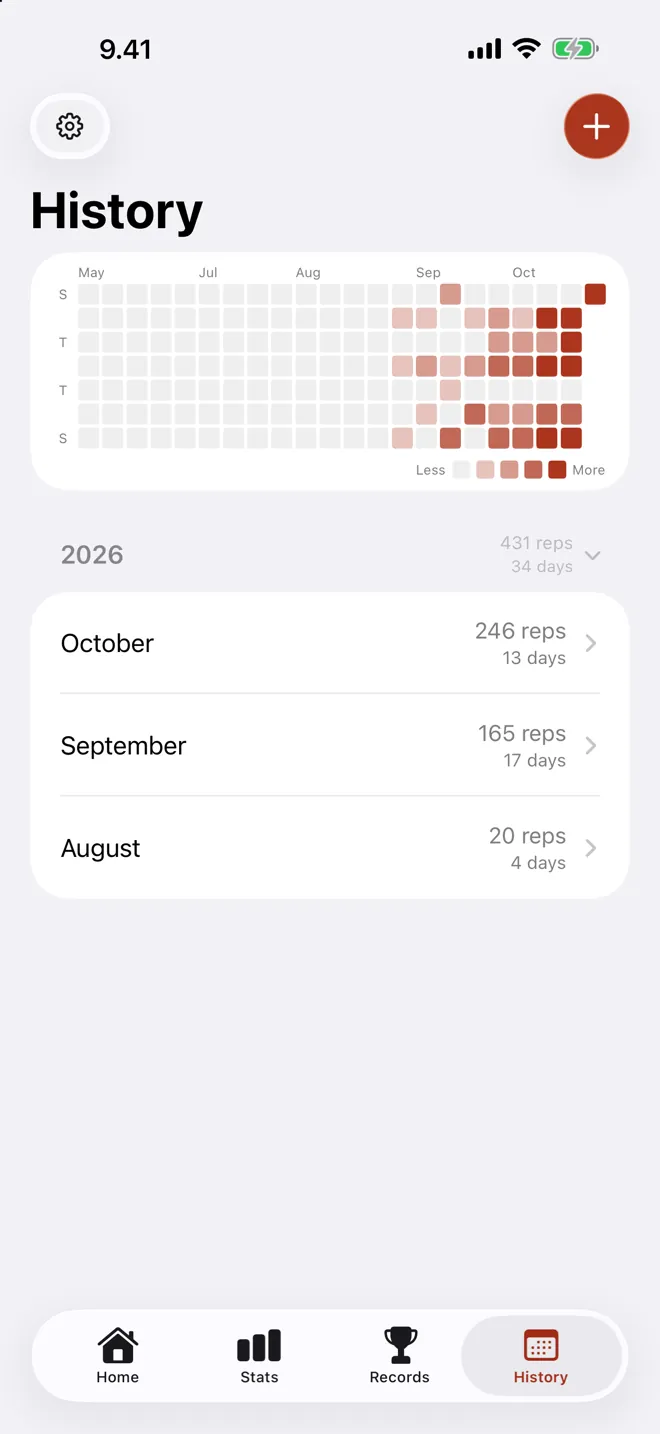
Activity heatmap
Every training day at a glance, right in your history.
-
Progress summaries
Weekly and monthly notifications with your stats, plus a yearly report every January 1.
-
Recently deleted
Removed a set by mistake? Restore it for 30 days.
Choose your phone. Keep your progress.
Free to start. Built to keep.
The core tracker is free on both platforms. CSV export is an optional one-time Pro purchase.
| Feature | iPhone | Android |
|---|---|---|
| Logging, goals, streaks & stats | Free | Free |
| Records & offline tracking | Free | Free |
| JSON backup & import | Free | Free |
| CSV export | Pro | Pro |
| Widgets & Siri | Free | Unavailable |
| iCloud sync | Free | Unavailable |
Your data stays yours. No account needed. History stays on your device, with personal iCloud sync on iOS. Free JSON backups let you move between iPhone and Android.
Make it yours. Available in 35 languages, with kg or lbs and system dark mode. See the full guide.
“Does exactly what you need it to do.”
Browse App Store reviews
“Just an easy app to track pull-ups. Simple minimalist and reliable”
Browse US App Store reviews
“bro i need more apps like this!!”
Browse Google Play reviews
Frequently Asked Questions
Is Pull-Up Tracker free?
Yes. The app is free to download and use, with no ads and no subscription. All core features are included — logging, goals, streaks, stats, records, and JSON backup. An optional one-time Pro upgrade adds CSV export.
Do I need to create an account?
No. There’s nothing to sign up for — install the app and log your first set. Your data stays on your device and, on iOS, in your personal iCloud.
Does it work without an internet connection?
Yes, completely. Every feature works offline. On iOS, iCloud sync simply catches up the next time you’re online.
Can I track chin-ups?
Yes. Log each set as a pull-up, chin-up, or neutral grip. Records keep a separate best for each grip, so a chin-up never counts as your pull-up record, while totals, goals, and streaks count every set.
Is there an Android version?
Yes — Pull-Up Tracker is on Google Play with the same core features. Widgets, Siri, and iCloud sync are currently iOS-only.
Can I move my history between iPhone and Android?
Yes. Export a JSON backup on one device and import it on the other — the format is fully compatible between the iOS and Android apps, so switching phones never means starting over.
What does the Pro upgrade include?
Pro is a single one-time purchase — not a subscription — that unlocks CSV export for spreadsheet analysis. It can be restored on any device signed in to the same App Store or Google Play account.
Have another question? See the full FAQ in the Help & Guide or email support@pulluptracker.app.
Every Rep Counts
Log your next set today. Free core features, no ads, no account, and no subscription.